Borders
A border paints a decorative outline around the entire panel perimeter. All styles paint at physical panel resolution — a pixel-ring border is always exactly one LED wide regardless of scale, even on a big / scaled sign (default_scale > 1) where most content is drawn in logical pixels and expanded to fill the panel (see Display). For developers: borders bypass the block-expansion path and write directly to the real underlying canvas (SetPixel). The five styles and their shorthands are listed in the table below. rainbow and color_cycle also accept optional from / to RGB colors to confine the animation to a specific hue arc instead of sweeping the full spectrum.

Border styles
Section titled “Border styles”| Style | Shorthand | Per-pixel color? | Animates? |
|---|---|---|---|
rainbow | border = "rainbow" | yes — hue chase | yes |
color_cycle | border = "color_cycle" | no — whole border one hue | yes |
constant | border = [r,g,b] | no — uniform | no |
bands | — | yes — per-band solid color | yes |
lightbulbs | border = "lightbulbs" | optional — rainbow or solid | yes |
Rainbow chase
Section titled “Rainbow chase”The rainbow chase indexes each perimeter pixel by its clockwise position around the edge, then advances the entire pattern by speed degrees per engine tick (50 ms). The result is a smooth hue gradient that rotates continuously. char_offset controls how tightly the hue cycles around the perimeter: a higher value tiles more full rainbows along the edge.
The simplest way to enable it is the string shorthand:
String shorthand
[[playlist.section.widget]]type = "message"text = "Hello"border = "rainbow"To tune the three knobs, switch to an inline table:
With tuning
[[playlist.section.widget]]type = "message"text = "Hello"border = {style = "rainbow", thickness = 2, speed = 4, char_offset = 6}speed (default 4): degrees of hue rotation per engine tick. At 50 ms per tick, the default produces about one full revolution every 12 seconds on the bigsign’s 640-pixel perimeter. Double it to 8 for a noticeably faster sweep.
char_offset (default 6): hue spacing between adjacent perimeter pixels. At 6 and 640 pixels, roughly 10 full rainbows tile around the bigsign edge. Reduce it toward 1 for a slow gradient wash; raise it above 10 for a tighter, flickery pattern.
thickness (default 1): 1 is a single-pixel ring; 2 is two concentric rings. Thickness 2 reads better at viewing distance. The two rings share the same hue index sequence, so the inner ring continues where the outer ring ends rather than repeating.
Restricting the hue arc
Section titled “Restricting the hue arc”Add from and to RGB colors to confine the chase to a specific hue arc — the chase will tile only within those two hues rather than sweeping the full 360° spectrum. The engine always takes the shorter arc between the two hues.

# Warm fire arc — red to amber, 2-ring borderborder = {style = "rainbow", from = [220, 30, 0], to = [255, 180, 0], speed = 3, thickness = 2}char_offset controls how many full arc-widths tile around the perimeter — the same density semantics as the full-wheel chase, just measured in arc-degrees instead of 360°. A narrow arc (60°) with char_offset = 6 produces roughly the same number of tiles as the full-wheel chase, because the hue spacing is relative to the arc width. Achromatic from/to colors (gray, white, black) are rejected since their hue is undefined. Same-hue from/to is also rejected — use border = [r, g, b] for a static color.
Common patterns
Section titled “Common patterns”Fire / warm tones — keep the chase in the red-to-amber band:
border = {style = "rainbow", from = [220, 30, 0], to = [255, 180, 0], speed = 3, thickness = 2}# Red → amber chase, 2-ring borderCool ocean sweep — blue-to-cyan arc for a cold-light feel:
border = {style = "rainbow", from = [0, 80, 255], to = [0, 220, 255], speed = 4, thickness = 1}# Deep blue → cyan chaseRainbow chase + arc-restricted font_color — pair a full rainbow border with a brand-palette text color:
[[playlist.section.widget]]type = "message"text = "Open"font_color = {style = "color_cycle", from = [255, 92, 38], to = [255, 183, 3], speed = 3}border = {style = "rainbow", from = [255, 92, 38], to = [255, 183, 3], speed = 3, thickness = 2}Color cycle
Section titled “Color cycle”A color_cycle border paints every perimeter pixel the same color per frame, and that color cycles through the hue wheel over time. Unlike the rainbow chase — which gives each pixel its own hue offset — color_cycle pulses the border as a single unified color. The effect is a slow wash of light that shifts hue without any chasing motion.

String shorthand uses the full 360° wheel at the default speed:
String shorthand
[[playlist.section.widget]]type = "message"text = "Hello"border = "color_cycle"Tune speed and thickness via an inline table:
With tuning
[[playlist.section.widget]]type = "message"text = "Hello"border = {style = "color_cycle", speed = 5, thickness = 2}speed (default 5): degrees of hue rotation per engine tick. Higher = faster pulse.
thickness (default 1): 1 is a single-pixel ring; 2 is two concentric rings.
Restricting the hue arc
Section titled “Restricting the hue arc”Add from and to RGB colors to confine the cycle to a specific hue arc — the border will pulse between those two colors rather than sweeping the full spectrum. The engine always takes the shorter arc between the two hues.

# Flame → amber arc — stays within the §6 brand paletteborder = {style = "color_cycle", from = [255, 92, 38], to = [255, 183, 3], speed = 2, thickness = 2}speed = 0 is rejected — use border = [r, g, b] for a static color. Achromatic from/to colors (gray, white, black) are also rejected since their hue is undefined.
Common patterns
Section titled “Common patterns”Brand-palette pulse — lock the border to your two brand hues so it never wanders off-palette:
border = {style = "color_cycle", from = [255, 92, 38], to = [255, 183, 3], speed = 2, thickness = 2}# Flame → amber pulse, 2-ring borderContrasting border from text — pair a color_cycle border with a complementary arc on font_color:
[[playlist.section.widget]]type = "message"text = "Open"font_color = {style = "color_cycle", from = [255, 200, 50], to = [255, 100, 0], speed = 4} # amber arcborder = {style = "color_cycle", from = [120, 230, 255], to = [50, 100, 255], speed = 4} # blue arcConstant
Section titled “Constant”A constant border is a solid-color ring with no animation. Because it never changes frame to frame (frame_invariant, an internal flag), the engine’s static-text fast path applies: the border is painted once and the widget sleeps for the hold duration rather than redrawing every tick. For multi-color animated stripes, see Bands below.

Use an RGB list as a shorthand:
RGB shorthand
[[playlist.section.widget]]type = "message"text = "Hello"border = [255, 100, 200] # constant magentaTo add thickness, switch to an inline table:
With thickness
[[playlist.section.widget]]type = "message"text = "Hello"border = {style = "constant", color = [255, 100, 200], thickness = 2}Discrete solid-color bands marching around the perimeter — the geometry of the rainbow chase, but with a list of solid colors instead of a continuous hue ramp. Candy-cane, barber-pole, and flag-ribbon looks.

colors is required (no bare-string shorthand): supply a named palette or a list of two or more RGB colors.
Named palette
[[playlist.section.widget]]type = "message"text = "Candy"border = {style = "bands", colors = "candy_cane"}Explicit colors (Italy), wider bands, reverse march
[[playlist.section.widget]]type = "message"text = "Ciao"border = {style = "bands", colors = [[0, 146, 70], [255, 255, 255], [206, 43, 55]], band_width = 8, speed = -1}Named palettes
Section titled “Named palettes”| Palette | Bands |
|---|---|
rainbow | red, orange, yellow, green, blue, purple — discrete bands, vs. the continuous rainbow chase |
rasta | red, gold, green |
usa | red, white, blue |
christmas | red, green |
halloween | orange, purple |
candy_cane | red, white |

Fields
Section titled “Fields”| Field | Default | Meaning |
|---|---|---|
colors | — (required) | palette name or list of [r, g, b] (2+ entries), repeating in order |
band_width | 6 | perimeter pixels per band |
speed | 1 | pixels the pattern advances per frame; negative reverses; 0 = static |
thickness | 1 | concentric rings (2 = two-pixel border) |
align_rings | false | at thickness > 1: radially align band boundaries across rings (stacked stripes; exact along edges, rings merge at corners) instead of the woven continuous-index look |
With speed = 0 the bands are static — like a constant border, the engine’s fast path applies and the border is painted once per hold.
Common patterns
Section titled “Common patterns”Stacked double-thick stripes — at thickness = 2 the rings share one continuous index by default, which reads as a woven texture (the GIF under Named palettes). Add align_rings = true and the same config snaps into crisp stacked stripes, aligned exactly along every edge:
# woven (default) — the rasta GIF aboveborder = {style = "bands", colors = "rasta", band_width = 8, speed = 1, thickness = 2}# stacked — same config plus align_ringsborder = {style = "bands", colors = "rasta", band_width = 8, speed = 1, thickness = 2, align_rings = true}
Holiday static accent — a non-moving two-color frame that costs nothing per tick (speed = 0 rides the fast path):
border = {style = "bands", colors = "christmas", speed = 0, band_width = 10}# Static red/green frame — swap in "halloween" or "candy_cane" by seasonReverse-march flag — a named flag palette walking counter-clockwise at double speed:
border = {style = "bands", colors = "usa", speed = -2}# Negative speed reverses direction; |speed| sets the paceWhere it works
Section titled “Where it works”| Widget type | border? |
|---|---|
message | yes |
countdown | yes |
two_row | yes |
gif | yes |
image | yes |
weather.current, rss.feed | no — raises at config load |
Data widgets render custom layouts and a perimeter border is not a meaningful concept for them. The config validator catches any misplaced border = on these types at startup so the error surfaces immediately rather than silently doing nothing.
Continuous-phase behavior
Section titled “Continuous-phase behavior”All animated borders (rainbow, color_cycle, bands, lightbulbs) have restart_on_visit = false — their phase counters advance continuously and never reset between loop_count repetitions. If a section repeats with loop_count = 2, the border picks up exactly where it left off at the end of the first loop rather than snapping back to the start. The border also composes cleanly with other effects: a single scrolling line can carry animation = "typewriter" and border = "rainbow" simultaneously, and each effect tracks its own independent counter. See frame counters for the full model of restart-on-visit versus continuous-phase behavior.
Lightbulbs
Section titled “Lightbulbs”The lightbulbs style paints discrete NxN bulb sprites around the perimeter — the classic Vegas-marquee aesthetic. Each bulb is a fixed-size square sprite at one of ~100 (bigsign-default) clockwise-ordered positions; the animation modes flip which bulbs are “lit” vs “unlit” per frame. Both colors paint every frame, so “off” bulbs glow dimly like physical incandescent bulbs without power — the default is a warm-white lit color over a dim warm-orange unlit color.
The simplest form is the string shorthand:
[[playlist.section.widget]]type = "message"text = "HELLO"border = "lightbulbs"Defaults: mode = "chase", bulb_size = 3 on big panels (auto-falls back to 1 on panels shorter than 32 physical pixels), gap = 3, warm-white lit / dim-warm-orange unlit colors.
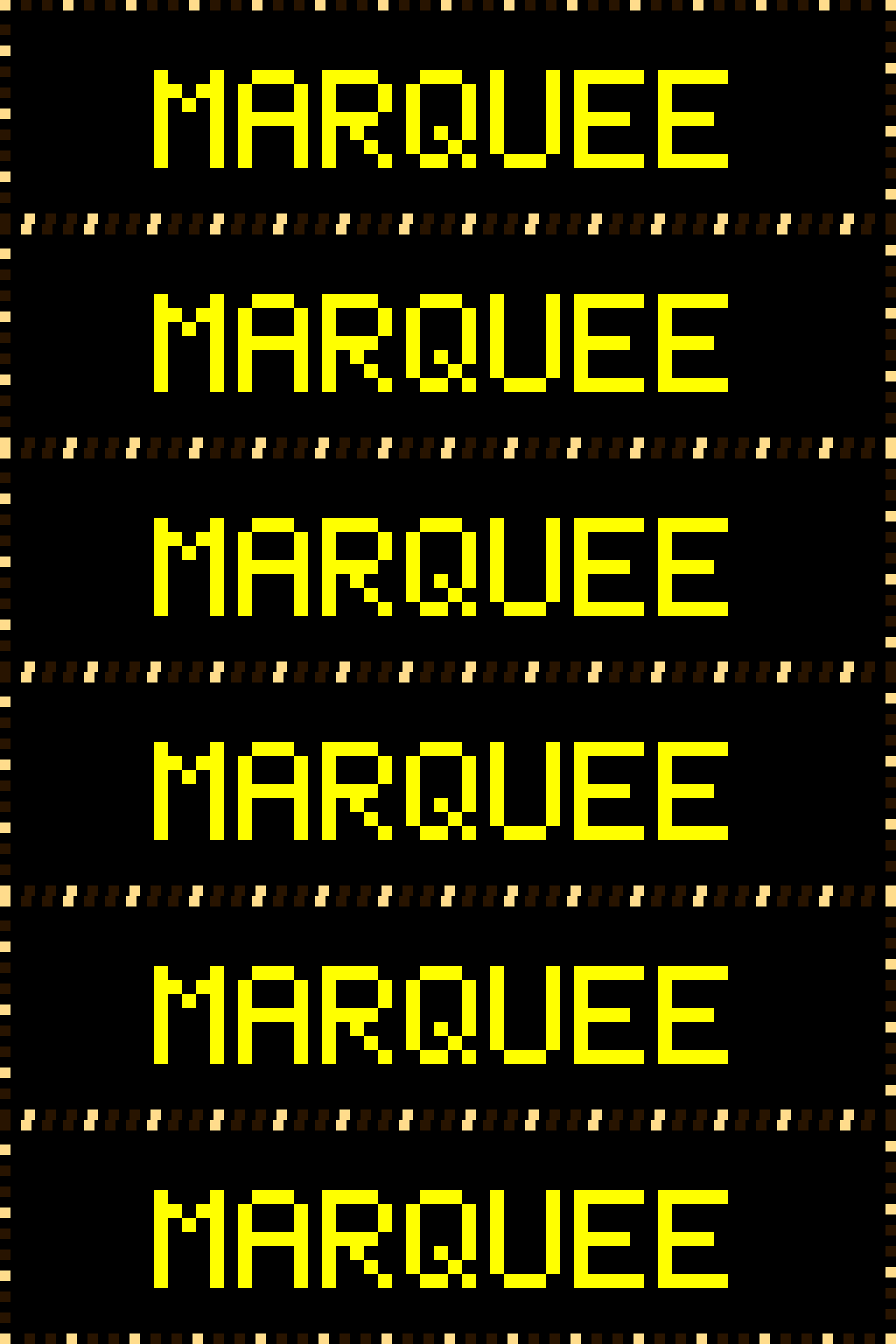
chase— every Nth bulb (default 3rd) is lit; the lit set walks clockwise (ordirection = "ccw") around the perimeter, advancing one bulb position everyspeed_framesengine ticks. Classic traveling-marquee look.
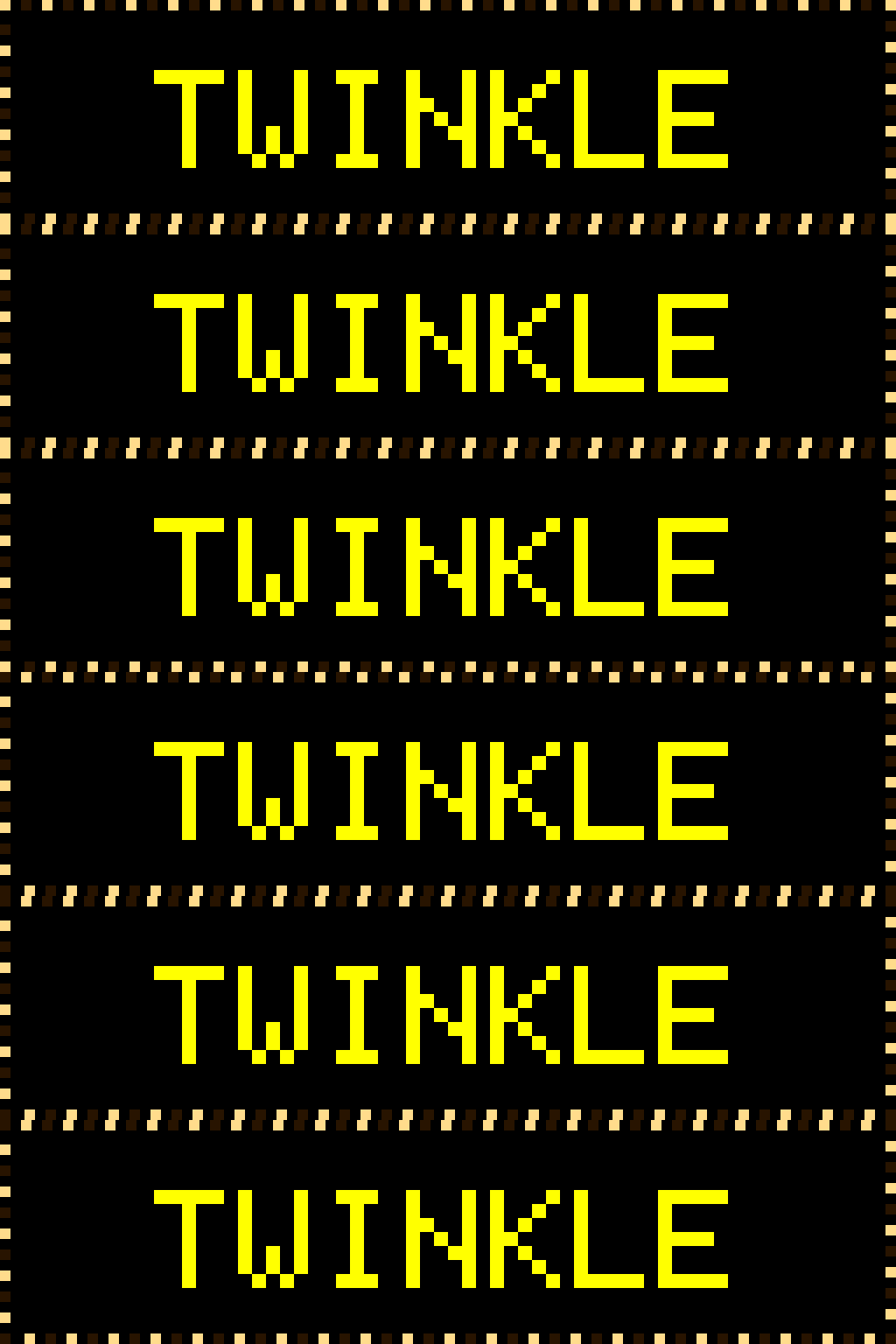
alternate— even/odd bulbs flip on each phase. Half the bulbs lit at any time, switching everyspeed_framesticks. Looks like a shimmer or twinkle without directional motion.
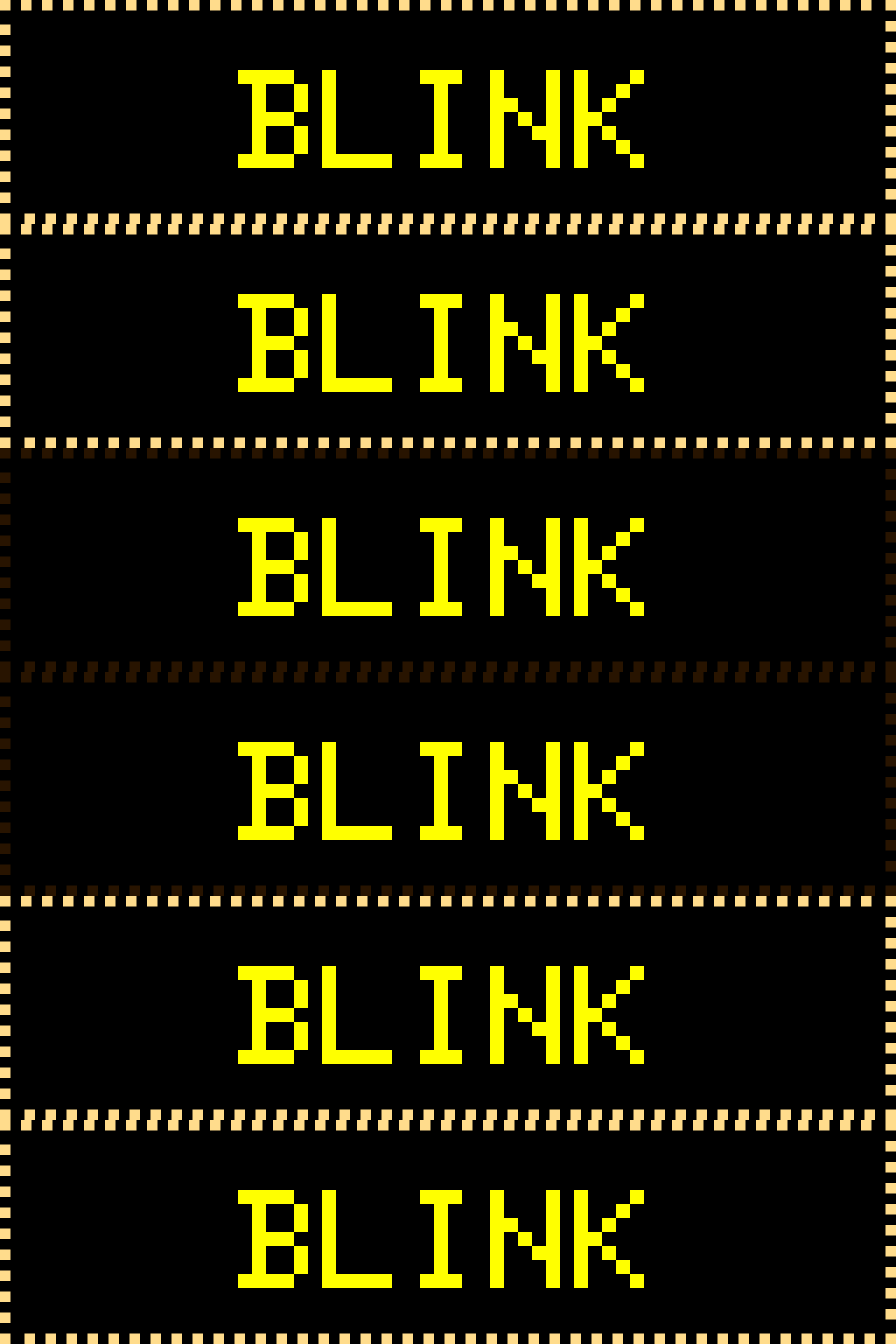
unison— all bulbs share state. All lit, then all unlit, alternating everyspeed_framesticks. Loud attention-grabber.
Full table form
Section titled “Full table form”border = { style = "lightbulbs", mode = "chase", # "chase" | "alternate" | "unison" bulb_size = 3, # optional; auto from panel height gap = 3, # pixels between bulb edges lit_color = [255, 220, 140], # warm white default; or "rainbow" unlit_color = [40, 20, 0], # dim warm-orange default speed_frames = 2, # frames per state transition chase_density = 3, # only used by mode="chase" direction = "cw", # "cw" | "ccw", only used by mode="chase" hue_wraps = 1.0 } # only used when lit_color = "rainbow"speed_frames defaults differ by mode: 2 for chase (~100 ms per bulb step), 5 for alternate (~250 ms per toggle), 8 for unison (~400 ms per blink). Higher values slow the animation; the engine ticks at 50 ms.
Rainbow bulbs
Section titled “Rainbow bulbs”Set lit_color = "rainbow" to color each lit bulb by its position around the perimeter — a full hue spectrum wrapped around the ring. The hues are static in space: they do not rotate over time, so with mode = "chase" the lit window travels across a fixed string of colored bulbs, exactly like a strand of party or Christmas lights. Unlit bulbs keep their unlit_color glow.
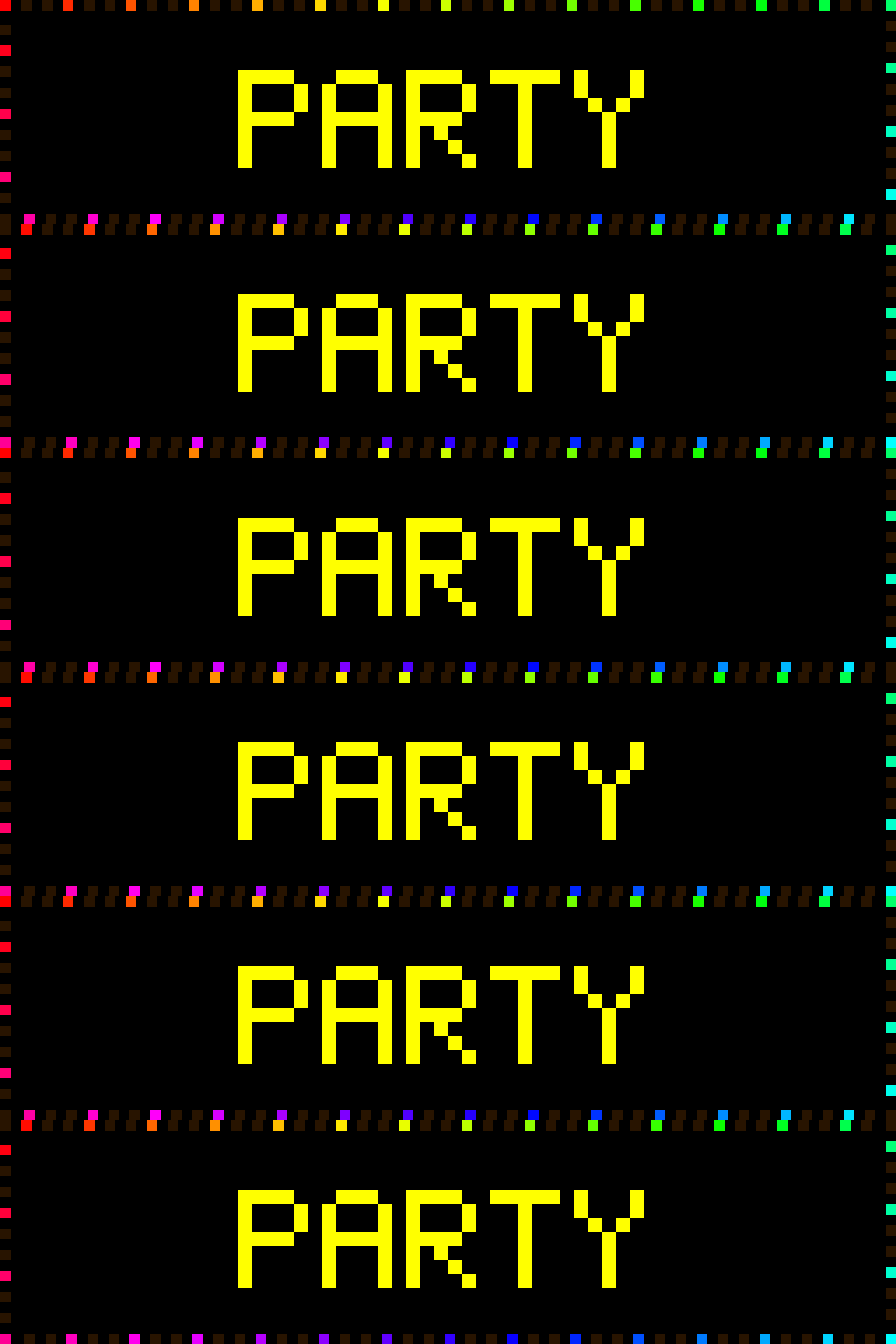
[[playlist.section.widget]]type = "message"text = "PARTY"border = { style = "lightbulbs", mode = "chase", lit_color = "rainbow" }hue_wraps (default 1.0): how many full spectra tile around the perimeter. 1.0 wraps one rainbow once around the whole edge, so adjacent bulbs differ only subtly. Raise it to 2 or 3 to tile multiple rainbows and widen the per-bulb color contrast.
# Two full spectra around the ring — punchier per-bulb colorborder = { style = "lightbulbs", lit_color = "rainbow", hue_wraps = 2 }When to use each style
Section titled “When to use each style”lightbulbs reads as a physical object — a marquee of light fixtures. rainbow / color_cycle read as a graphical effect, a halo or outline. bands reads as a themed ribbon: use it when you want a recognizable color sequence (a flag, a holiday palette) rather than a spectrum sweep.
lightbulbs is unconditionally animated (frame_invariant = False) — image-widget fast paths correctly force per-tick redraws on it, same as the other animated borders.
Common patterns
Section titled “Common patterns”Vegas / theatrical marquee — a fast, tightly-packed traveling lit window:
border = { style = "lightbulbs", mode = "chase", speed_frames = 1, chase_density = 2 }# Every other bulb lit, advancing one step per engine tickRainbow party lights — a calm static strand of colored bulbs, all lit at once:
border = { style = "lightbulbs", mode = "chase", lit_color = "rainbow", chase_density = 1 }# chase_density = 1 lights every bulb — a steady rainbow strandHoliday / themed two-color — pick a palette for lit and unlit, then alternate:
border = { style = "lightbulbs", mode = "alternate", lit_color = [200, 30, 30], unlit_color = [20, 120, 40] }# Red / green holiday twinkle