Fonts
Every text-bearing widget — message, countdown, two_row, weather.current, and the text overlay on gif/image — picks a font. led-ticker ships two flavors: pre-rasterized BDF bitmap fonts and scalable hi-res TTF/OTF fonts. The right choice depends on your panel scale and viewing distance.

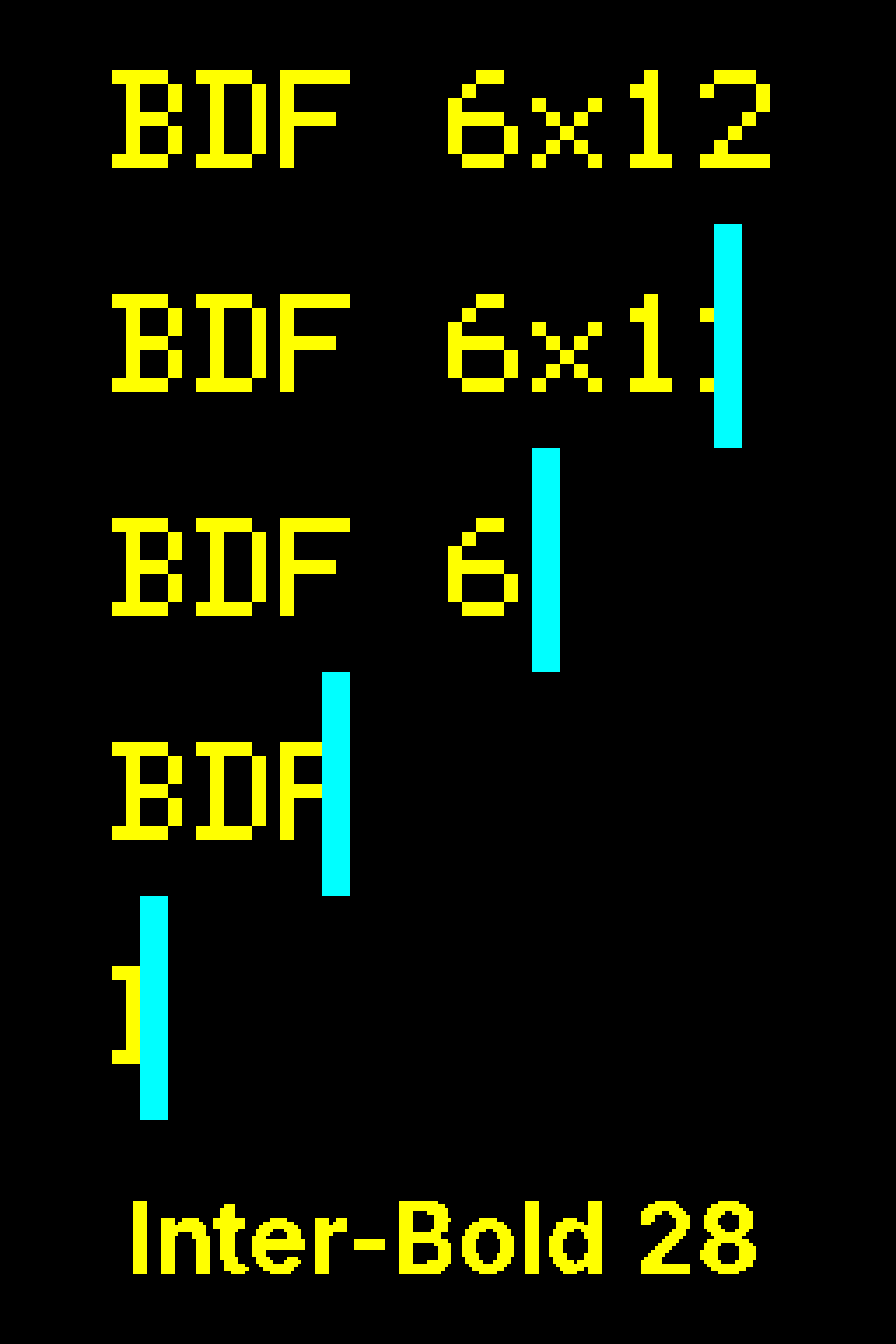
BDF: the bundled bitmap fonts
Section titled “BDF: the bundled bitmap fonts”BDF fonts are pre-rasterized pixel-by-pixel at a fixed cell size — there is no antialiasing, no threshold tuning, and no runtime rendering overhead. They load instantly and look crisp at the sizes they were designed for. Four aliases ship with led-ticker; the numbers are pixel cell width × height:
| Alias | Cell size | Python constant | Notes |
|---|---|---|---|
5x8 | 5×8 px | FONT_SMALL | Smallest readable size; fits two rows on a 16-tall canvas |
6x10 | 6×10 px | FONT_DELTA | Compact alternative to the default |
6x12 | 6×12 px | FONT_DEFAULT | Default font — omit font to get this |
7x13 | 7×13 px | FONT_LABEL | Slightly wider strokes; good for short labels |
[[playlist.section.widget]]type = "message"text = "Hello"font = "6x12" # default — can omitHi-res (TTF / OTF) for the bigsign
Section titled “Hi-res (TTF / OTF) for the bigsign”At default_scale = 4, BDF text is 12 real pixels tall — small on a 64-row panel. Hi-res fonts render at any real-pixel size you specify, using the bundled Inter typeface or a font you supply yourself.
Two fonts ship bundled: Inter-Regular and Inter-Bold. For a brand font (for example Adobe Beloved Sans), drop the .otf or .ttf file into config/fonts/ next to your config.toml and reference it by filename stem. The directory is gitignored so licensed fonts stay off the repository.
font_size is required for all hi-res fonts — the rasterizer needs an explicit real-pixel target and there is no sensible default to fall back on.
[[playlist.section.widget]]type = "message"text = "Hello"font = "Inter-Bold"font_size = 28font_threshold
Section titled “font_threshold”Hi-res glyphs are anti-aliased during rasterization and then binarized to 1-bit before painting to the panel (LEDs are either on or off). font_threshold (0–255, default 128) is the cutoff: pixels at or above it are lit; below it are dark.
The default 128 works well for medium-stroke fonts like Inter at typical bigsign sizes. Thin-stroked fonts — for example Beloved Sans Regular at 24–32 px — have anti-aliased edge pixels that land in the 60–100 range; at the 128 default those edges get clipped to zero, leaving glyphs visibly broken. Dropping to ~80 includes those edge pixels and restores the correct weight.
Match thresholds within a font family. Bold at 128 has fewer lit pixels than Regular at 80 because the lower threshold fattens the regular strokes past Bold’s natural weight. Set both to the same value:
[[playlist.section.widget]]type = "message"text = "@firebird.demo"font = "Beloved-Sans-Bold"font_size = 28font_threshold = 80   # same threshold as Regular below
[[playlist.section.widget]]type = "message"text = "Open 7 days"font = "Beloved-Sans-Regular"font_size = 24font_threshold = 80 # match Bold above to preserve weight contrast
BDF fonts ignore font_threshold entirely — their bitmaps are already 1-bit.
Character coverage
Section titled “Character coverage”Hi-res fonts pre-rasterize a fixed character set when the font loads, not lazily on demand. The set covers what most signage actually uses:
- ASCII printable: the standard
string.printablerange — letters, digits, punctuation, whitespace. - Extended Latin: the most common Latin-1 accented characters (
àáâãäåæçèéêëìíîïñòóôõöøùúûüýÿ+ uppercase variants), so European-language RSS feeds render correctly. - Extended punctuation: bullet (
•), middle-dot (·), ellipsis (…), em-dash (—), en-dash (–), curly quotes (’‘“”), and guillemets («») — the typographic marks that show up in headlines, separator lists, and brand copy.
Any character outside this set falls back to the ? glyph at render time. If you see a ? on the panel where you expected your character, the codepoint isn’t in the rasterized set — the fix is to extend EXTENDED_LATIN or EXTENDED_PUNCTUATION in src/led_ticker/fonts/hires_loader.py and rebuild. A tripwire test (tests/test_hires_font_loader.py:test_glyphs_for_extended_punctuation) asserts the punctuation set stays rasterized AND that each glyph has lit pixels — catches both “char missing from the set” regressions and “char in set but threshold-clipped to zero pixels” issues.
BDF fonts have no fallback mechanism — characters not in the BDF’s bitmap are skipped entirely (zero advance, no glyph drawn). For BDF widgets, stick to ASCII unless you’ve verified the BDF you picked includes the codepoints you need.
Decision tree
Section titled “Decision tree”| Panel | Viewing distance | Recommended |
|---|---|---|
| Smallsign (160×16, scale=1) | Any | BDF 6x12 (default) — pixel-perfect at 1× |
| Bigsign (256×64, scale=4), close | ≤ 6 ft | BDF or Inter-Bold @ 16–22 px |
| Bigsign, medium | 6–20 ft | Inter-Bold @ 22–28 px |
| Bigsign, far (across the street) | > 20 ft | Inter-Bold @ 28–32 px |