two_row widget
The two_row widget renders two independent text strings on the same canvas: a held top row for a stable identifier (handle, headline, brand tag) and a scrolling bottom row for promotional copy that can be longer than the canvas width. When the bottom row fits, it stays fixed using bottom_align; when it overflows, it scrolls left automatically.
Designed for the bigsign in slideshow mode at scale = 2, where the logical canvas is 128 pixels wide — enough for most social handles without scrolling.

Minimal example
[[playlist.section.widget]]type = "two_row"top_text = "@yourhandle"bottom_text = "Open daily 10–6 · all levels welcome"Options
Section titled “Options”Common patterns
Section titled “Common patterns”Brand-handle layout with inline emoji
Section titled “Brand-handle layout with inline emoji”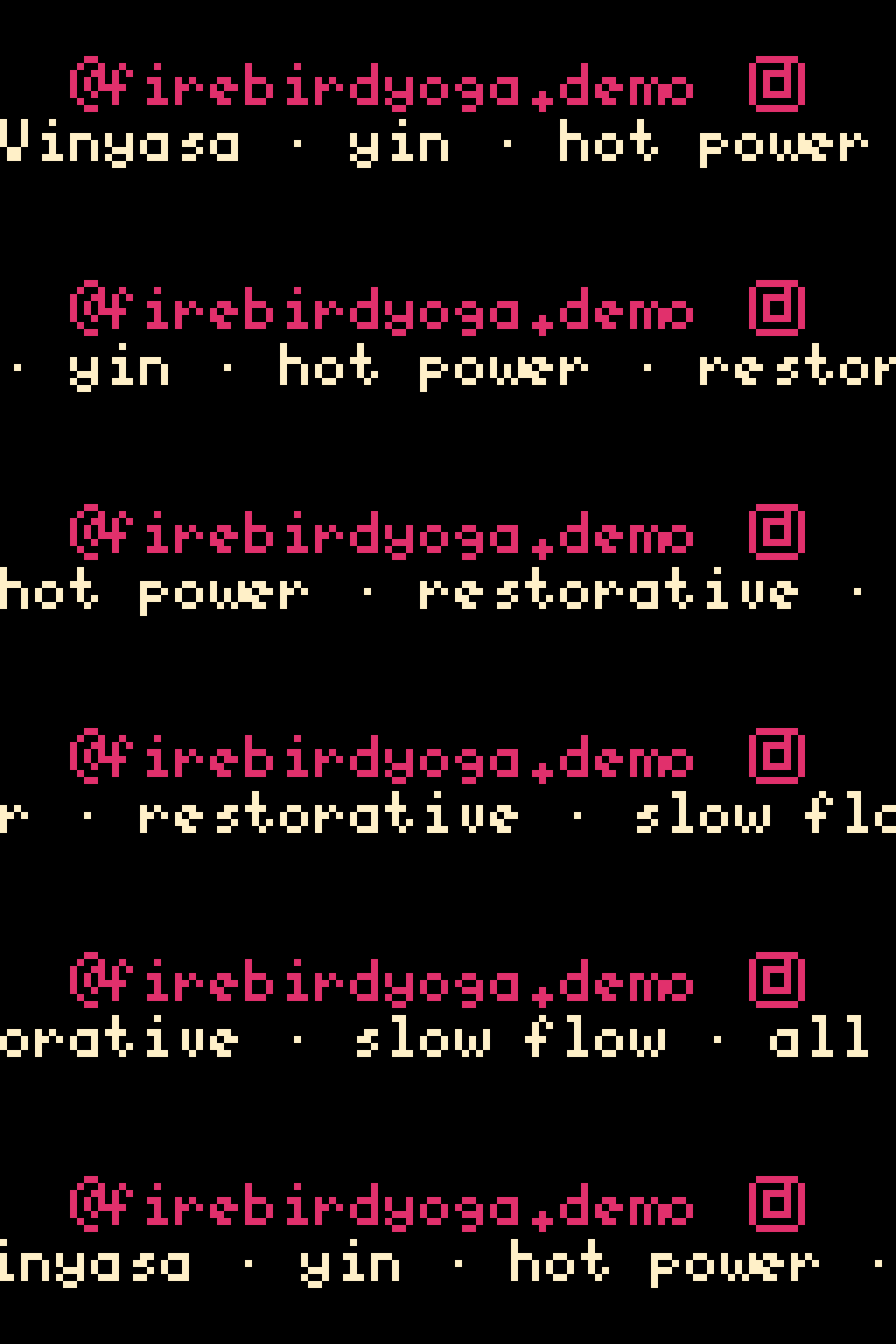
[[playlist.section]]mode = "slideshow"scale = 2content_height = 16
[[playlist.section.widget]]type = "two_row"top_text = "@firebirdyoga.demo :instagram:"top_color = [225, 48, 108]top_align = "center"bottom_text = "Vinyasa · yin · hot power · restorative · slow flow · all levels"bottom_color = [255, 240, 200]bottom_align = "left"
Asymmetric row split — bold tag on top, larger marquee below
Section titled “Asymmetric row split — bold tag on top, larger marquee below”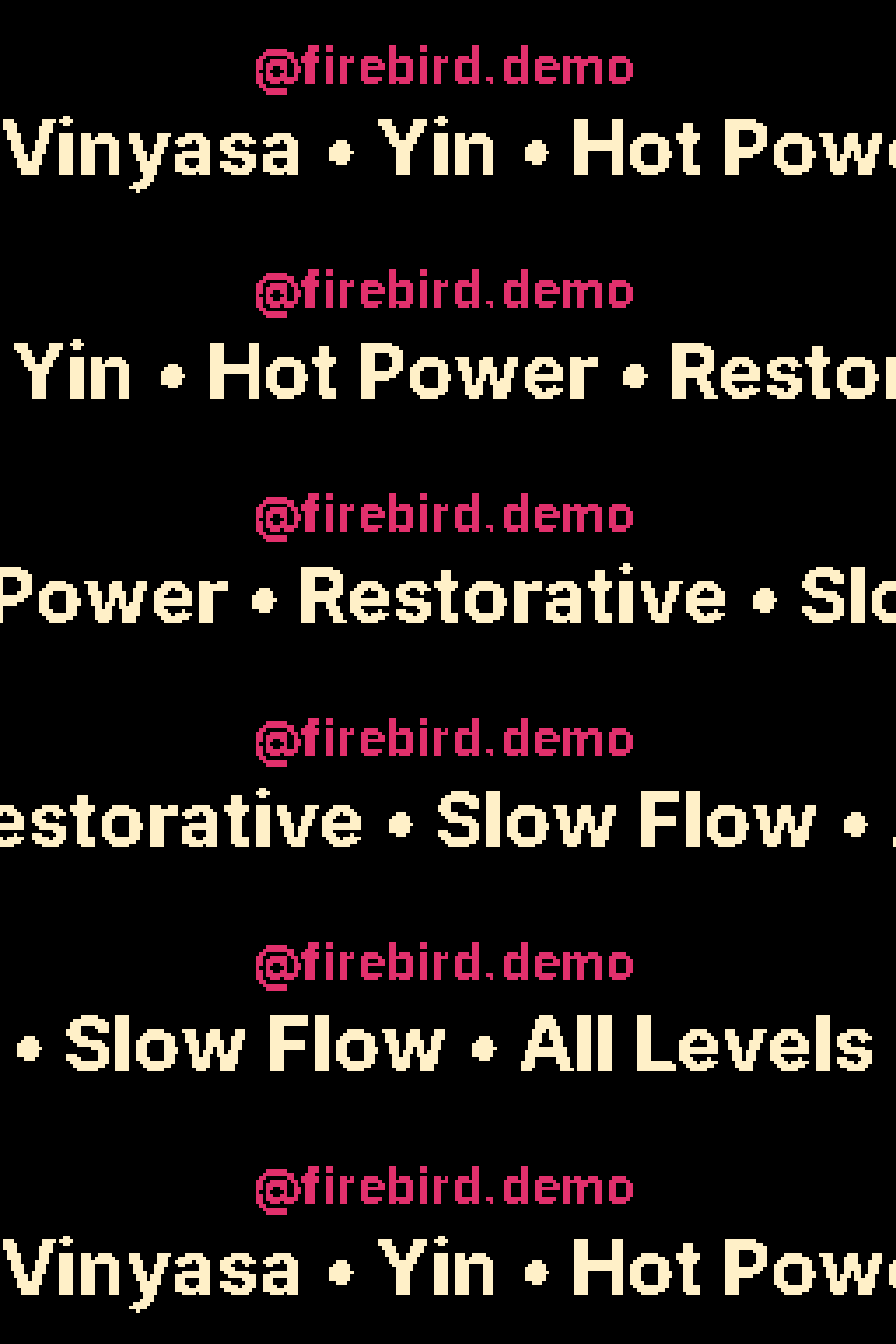
top_row_height = 10 gives the top band 10 logical rows; the bottom gets the remainder (14). The top font’s line-height has to fit the band — Inter-Bold @ 14 is 9 logical rows at scale=2, which fits the 10-row band. To go more aggressive (top_row_height = 6 for a thinner tag), pair it with a smaller hi-res font like Inter-Regular @ 8 — but Regular at that size gets hard to read at typical viewing distances, so the bolder pairing here is the recommended starting point.
[[playlist.section]]mode = "slideshow"scale = 2content_height = 24
[[playlist.section.widget]]type = "two_row"top_text = "@firebird.demo"top_row_height = 10top_font = "Inter-Bold"top_font_size = 14top_color = [225, 48, 108]bottom_text = "Vinyasa • Yin • Hot Power • Restorative • Slow Flow • All Levels Welcome"bottom_font = "Inter-Bold"bottom_font_size = 22bottom_color = [255, 240, 200]
Per-row font hierarchy (Inter-Bold handle + Inter-Regular promo)
Section titled “Per-row font hierarchy (Inter-Bold handle + Inter-Regular promo)”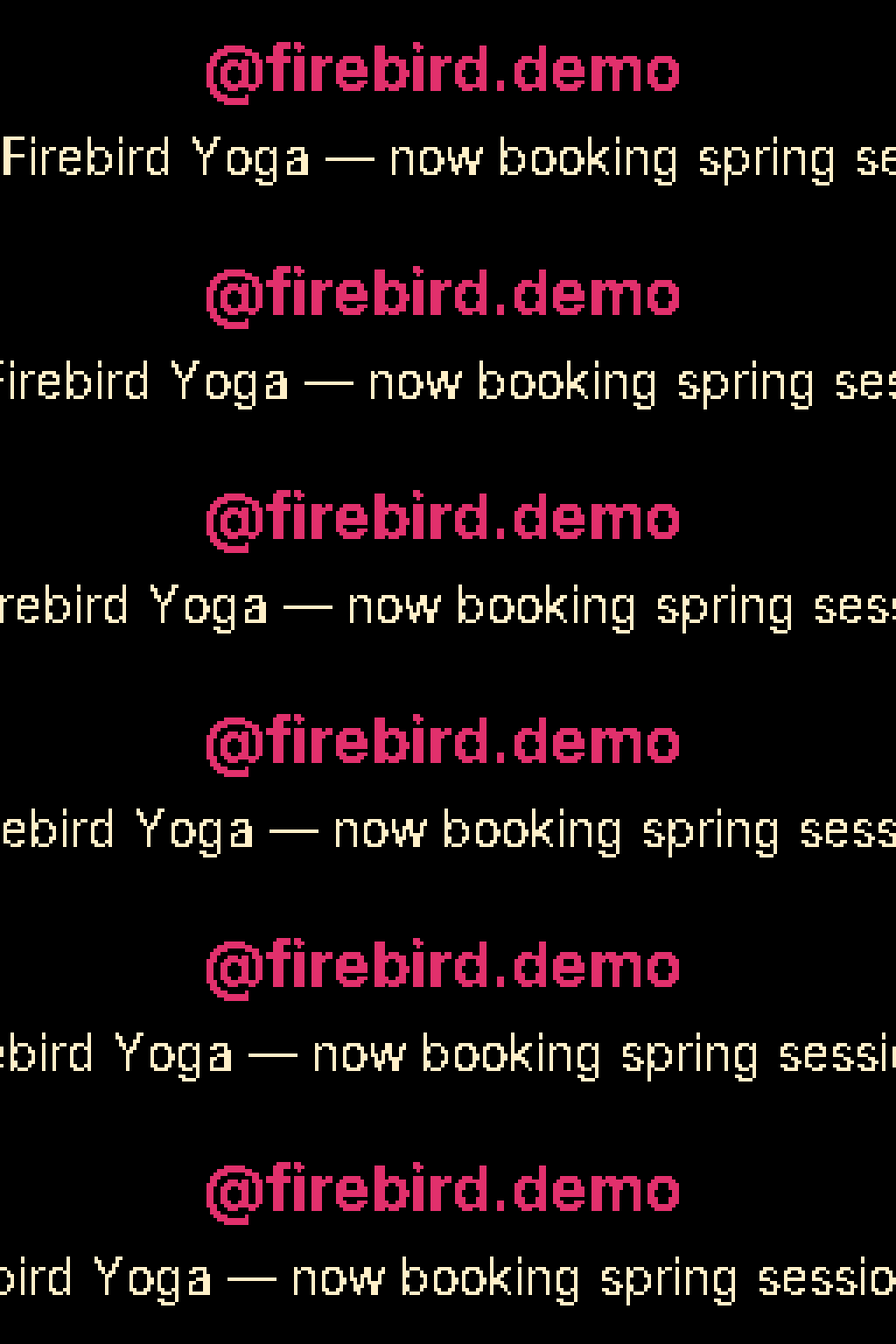
Hi-res fonts at these sizes need taller bands than the default 8 logical rows. Bump content_height from 16 to 24 so each row gets 12 logical rows — Inter-Bold @ 18 measures 12 logical at scale=2 and only fits if the band is at least that tall.
[[playlist.section]]mode = "slideshow"scale = 2content_height = 24
[[playlist.section.widget]]type = "two_row"top_text = "@firebird.demo"top_font = "Inter-Bold"top_font_size = 18top_color = [225, 48, 108]bottom_text = "Firebird Yoga — now booking spring sessions — your first class is free."bottom_font = "Inter-Regular"bottom_font_size = 14bottom_color = [255, 240, 200]
Hi-res emoji on the top row — :instagram: renders as the full 32×32 sprite when the band can fit it
Section titled “Hi-res emoji on the top row — :instagram: renders as the full 32×32 sprite when the band can fit it”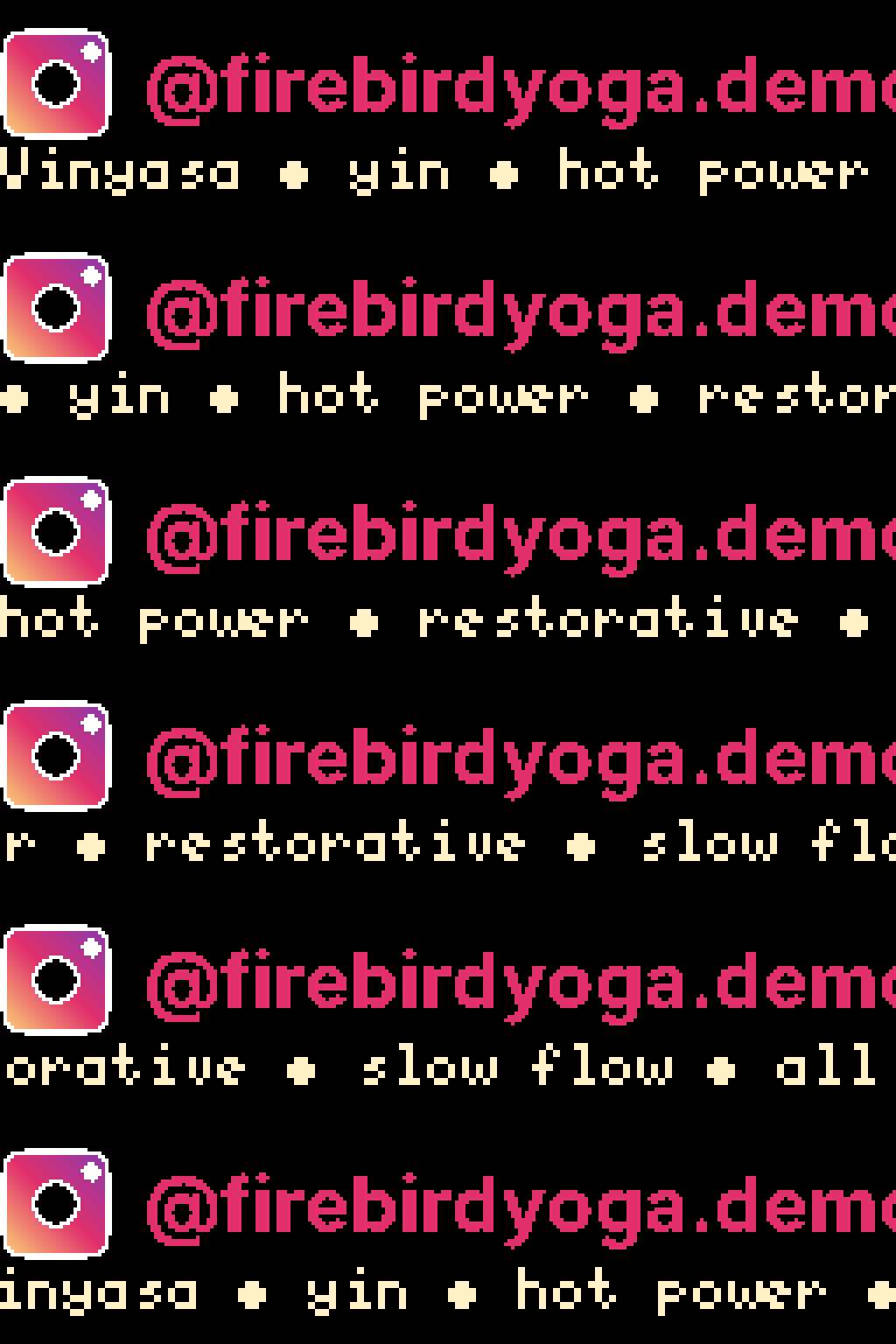
The hi-res sprite is 32 real pixels tall. At scale = 2 it’s 16 logical pixels, which exactly matches top_row_height = 16 — the sprite anchors at the top of the band with no bleed into the bottom row. Smaller bands fall back to the 8×8 lo-res sprite automatically.
[[playlist.section]]mode = "slideshow"scale = 2content_height = 24
[[playlist.section.widget]]type = "two_row"top_text = ":instagram: @firebirdyoga.demo"top_row_height = 16top_font = "Inter-Bold"top_font_size = 22top_color = [225, 48, 108]top_align = "left"bottom_text = "Vinyasa • yin • hot power • restorative • slow flow • all levels"bottom_color = [255, 240, 200]bottom_align = "left"
Wrap mode (bottom row, seamless marquee)
Section titled “Wrap mode (bottom row, seamless marquee)”
Setting bottom_text_wrap = true runs the bottom row as a seamless marquee — chasing itself across the canvas with a separator between repeats. Top row stays held at top_align; only the bottom row wraps. Engages even when the bottom text fits — predictable.
[[playlist.section.widget]]type = "two_row"top_text = "BREAKING"top_color = [225, 48, 108]bottom_text = "tap to subscribe"bottom_text_wrap = truebottom_text_separator = " * " # default: " • "bottom_text_separator_color = "rainbow" # default: inherit bottom_color| Field | Type | Default | Meaning |
|---|---|---|---|
bottom_text_wrap | bool | false | Toggle seamless wrap on the bottom row. Requires bottom_text non-empty. |
bottom_text_separator | string | " • " (when bottom_text_wrap = true) | Glyph(s) between bottom-row repeats. "" falls back to a two-space gap. |
bottom_text_separator_color | color spec | inherit bottom_color | Color for the bottom separator; whole-string provider (one hue per frame). |
bottom_text_loops | int | 0 | Minimum full wrap cycles before the section can transition. 0 = no minimum. Requires bottom_text_wrap = true. |
Notes:
bottom_text_wrapalways wraps when set, even if the bottom text fits the canvas.- Top row never wraps (no
top_text_wrapfield exists). - The separator color inherits
bottom_color(NOTfont_color). bottom_text_wrapis only allowed inmode = "slideshow". Inticker/one_at_a_timemodes, validation refuses it.
Scroll-through mode (one pass, offscreen to offscreen)
Section titled “Scroll-through mode (one pass, offscreen to offscreen)”
Setting bottom_text_scroll = "scroll_through" forces the bottom row to scroll offscreen-to-offscreen: text starts fully off the right edge, scrolls left, ends fully off the left edge. The widget exits after the computed number of passes (controlled by bottom_text_loops and hold_time — see “Pass count” below; default is one pass). bottom_align is ignored.
Use it when you want the “marquee runs through and is done” feel — a now-playing line that flies across and the section moves on — instead of the held-when-fits / scroll-when-overflows default.
[[playlist.section.widget]]type = "two_row"top_text = "NOW PLAYING"bottom_text = "Some Long Song Title - Album Name - Artist (2026)"bottom_text_scroll = "scroll_through"| Field | Type | Default | Meaning |
|---|---|---|---|
bottom_text_scroll | string | "marquee" | Bottom-row scroll style. "marquee" (default) preserves existing behavior; "scroll_through" forces single-pass offscreen-to-offscreen on every visit. |
Behavior table:
| Mode | When bottom fits | When bottom overflows |
|---|---|---|
"marquee" | held at bottom_align | cursor-driven single-pass (last char flush right) |
"scroll_through" | forced scroll-through | forced scroll-through |
Notes:
-
Mutually exclusive with
bottom_text_wrap = true— pick one. Scroll-through repeats N offscreen-to-offscreen passes; wrap is a seamless tiled marquee. -
Requires non-empty
bottom_text. -
Only valid in
mode = "slideshow". Inticker/one_at_a_timemodes validation refuses it (rule 32), same asbottom_text_wrap. -
Pass count is controlled by
bottom_text_loops(default0= one pass per visit). Setbottom_text_loops = Nto make the widget run N full passes before the section transitions:bottom_text_scroll = "scroll_through"bottom_text_loops = 3 # scroll on / scroll off, three times -
hold_timeacts as a floor. When bothhold_timeandbottom_text_loopsare set, the engine uses the LONGER of the two (“max” semantics):n_passes = max(bottom_text_loops or 1, ceil((hold_time × 1000 / scroll_step_ms) / cycle_width)). To compute the crossover:hold_time × 1000 / scroll_step_ms(tick count from hold;hold_timeis seconds,scroll_step_msis milliseconds) vsbottom_text_loops × cycle_width_logical_px(tick count from loops, since the engine advances exactly one logical pixel per tick). Whichever is bigger wins. This matches howgifandimagewidgets handle the same field.
bottom_text_loops
Section titled “bottom_text_loops”
Number of full bottom-row cycles the widget plays before the section transitions. Default 0 means “one pass” — preserved as the baseline behavior. The field requires EITHER bottom_text_wrap = true (seamless tiled marquee, one cycle = bottom_text + bottom_text_separator) OR bottom_text_scroll = "scroll_through" (one cycle = one offscreen-to-offscreen pass).
- Without
bottom_text_wrap = trueorbottom_text_scroll = "scroll_through",bottom_text_loops > 0is a validation error (rule 28) — the non-wrap, non-scroll-through bottom row scrolls once over its overflow and has no cycle to count. - With
bottom_text_wrap = true: minimum number of full wrap cycles before the section transitions. When bothhold_timeandbottom_text_loopsare set, the engine uses the LONGER of the two (“max” semantics). To compute the crossover:hold_time × 1000 / scroll_step_ms(tick count from hold) vsbottom_text_loops × cycle_width_logical_px(tick count from loops; the engine advances exactly one logical pixel per tick). Whichever is bigger wins. - With
bottom_text_scroll = "scroll_through": minimum number of offscreen-to-offscreen passes. When bothhold_timeandbottom_text_loopsare set, the engine uses the LONGER of the two (“max” semantics). To compute the crossover:hold_time × 1000 / scroll_step_ms(tick count from hold) vsbottom_text_loops × cycle_width_logical_px(tick count from loops; the engine advances exactly one logical pixel per tick). Whichever is bigger wins. This is the same shape as the wrap-mode bullet above. - Mirrors
text_loopson thegifandimagewidgets in their two-row mode. The validator catches the cross-widget typo (rule 29) and points you atbottom_text_loops.
Font line-height must fit the per-row band
Section titled “Font line-height must fit the per-row band”Each row gets a slice of content_height (50/50 by default, or per top_row_height). If a font’s logical line-height exceeds its band, the validator rejects it. Pick a smaller font_size, raise content_height, adjust top_row_height, or use a BDF alias (5x8, 6x12). Reference pairing: BDF 5x8 fits content_height = 16; Inter at sizes 14+ usually needs content_height = 24 or larger.
scale = 4 is too narrow for handles
Section titled “scale = 4 is too narrow for handles”At scale = 4 the bigsign’s logical canvas is only 64 px wide — most @handles clip mid-word. Use scale = 2 (128 logical px) on this widget; you can mix scales across sections.
content_height hard ceiling
Section titled “content_height hard ceiling”On the bigsign: content_height ≤ 16 at scale = 4, content_height ≤ 32 at scale = 2 (content_height × scale ≤ panel_height). Above the ceiling, rows near the edges clip silently. For per-row breathing room use top_text_y_offset / bottom_text_y_offset, not over-specified content_height.